
SHAREit
SHAREit is a free Windows app from the SHAREit Team for moving photos, videos and documents between a PC and a phone. The current version is 5.1.0.7.
22.7 MB

Wireshark is a free, open-source network traffic analyzer for Windows that captures and inspects network packets.
Average 0.0 · ratings: 0
Thank you! Your rating is saved; you can change it. Could not save the rating. Please try again later. Too many ratings from your network today. Please try again tomorrow. The average appears after 5 ratings.
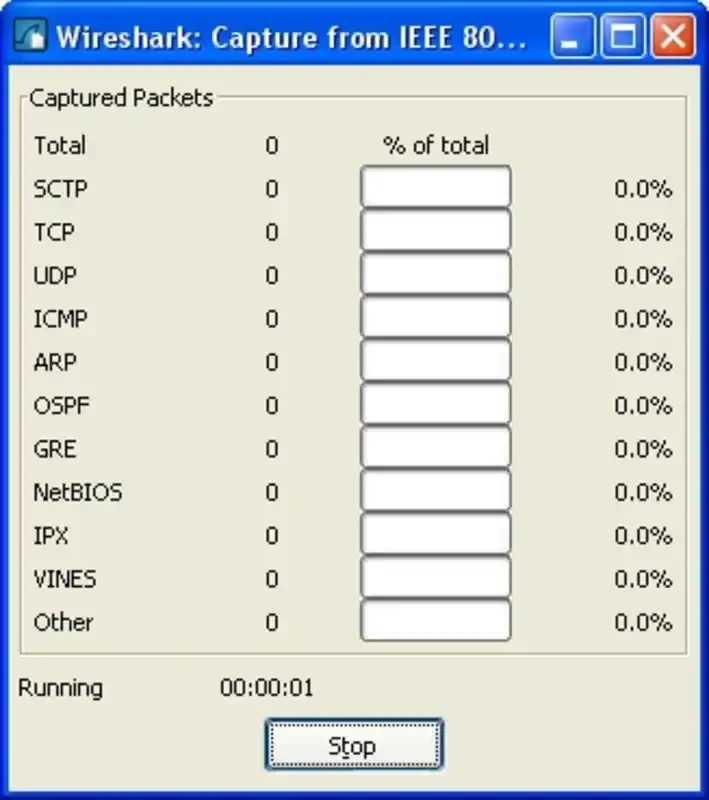
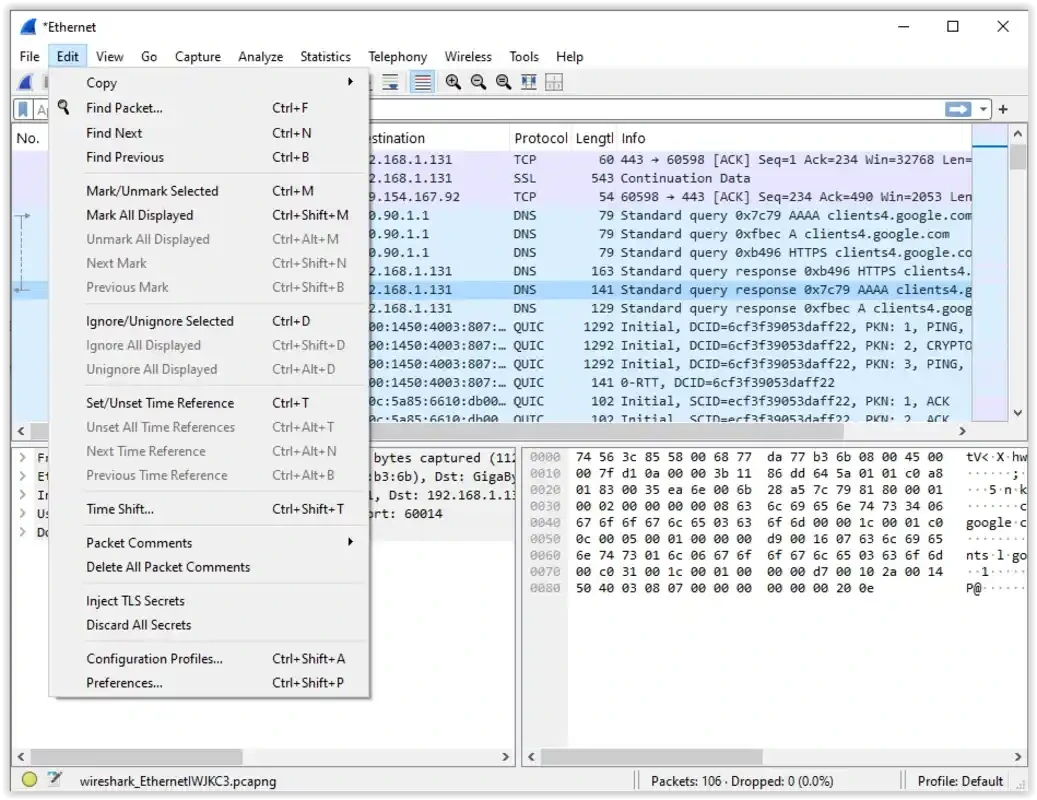
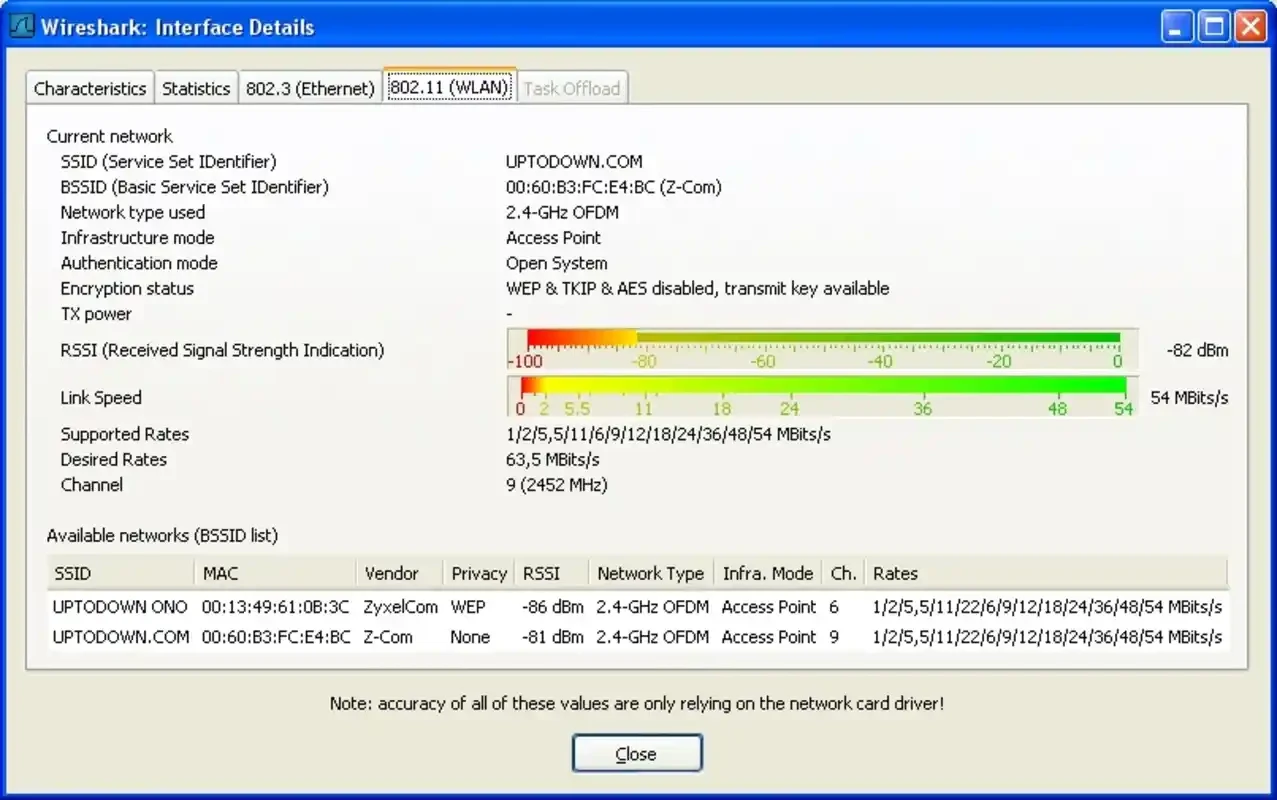
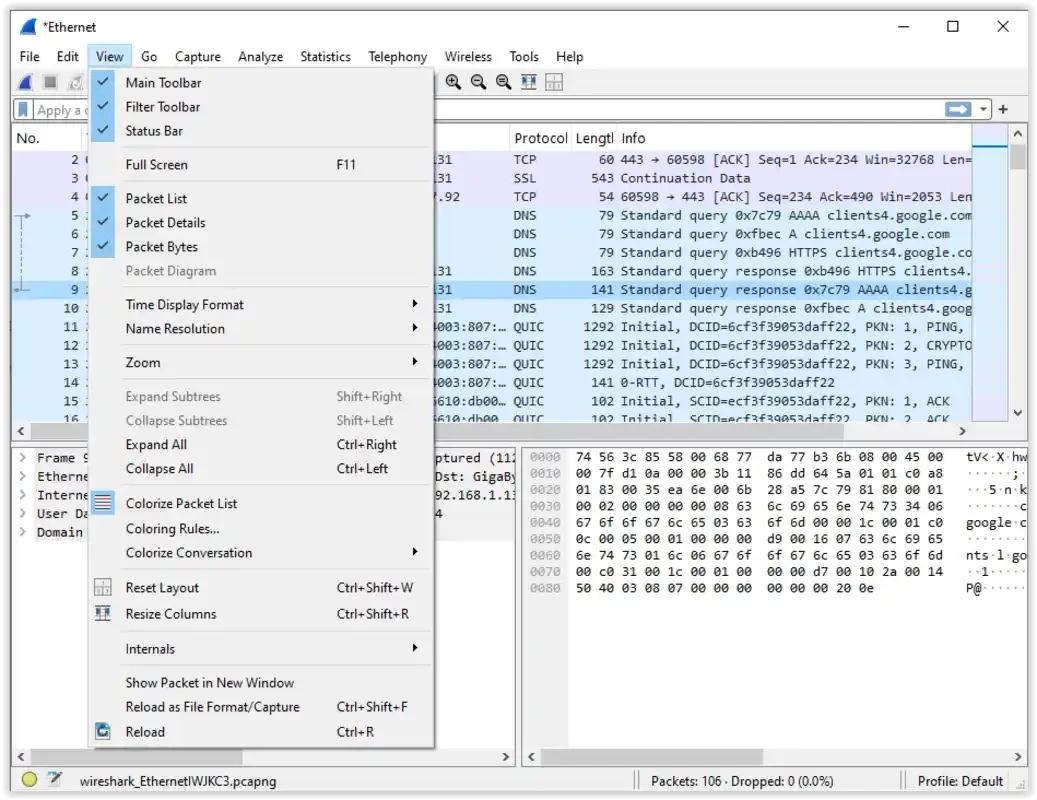
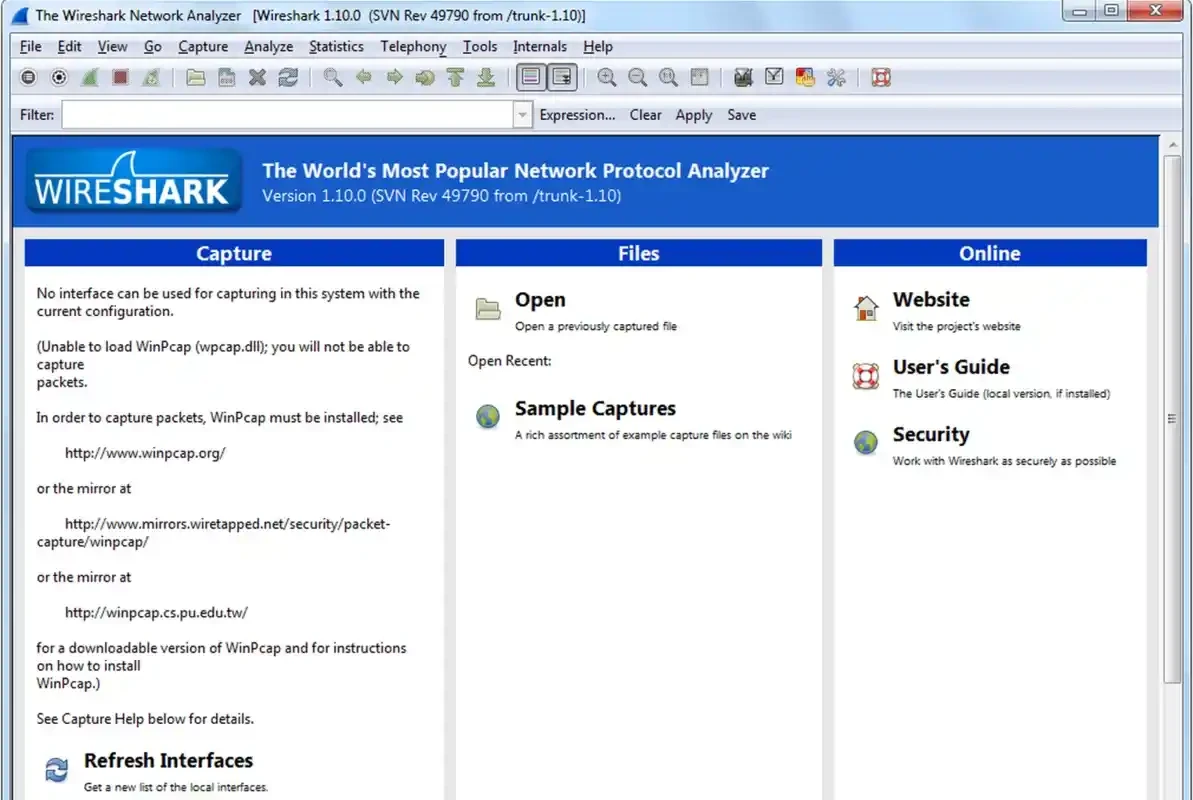
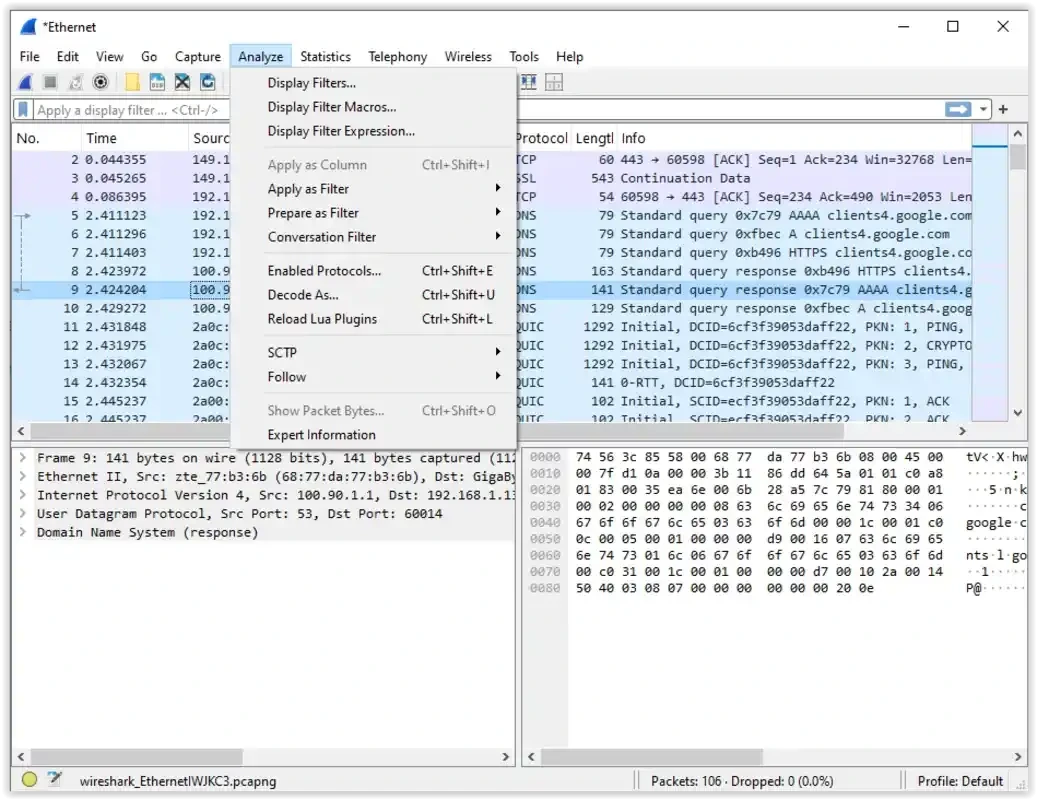
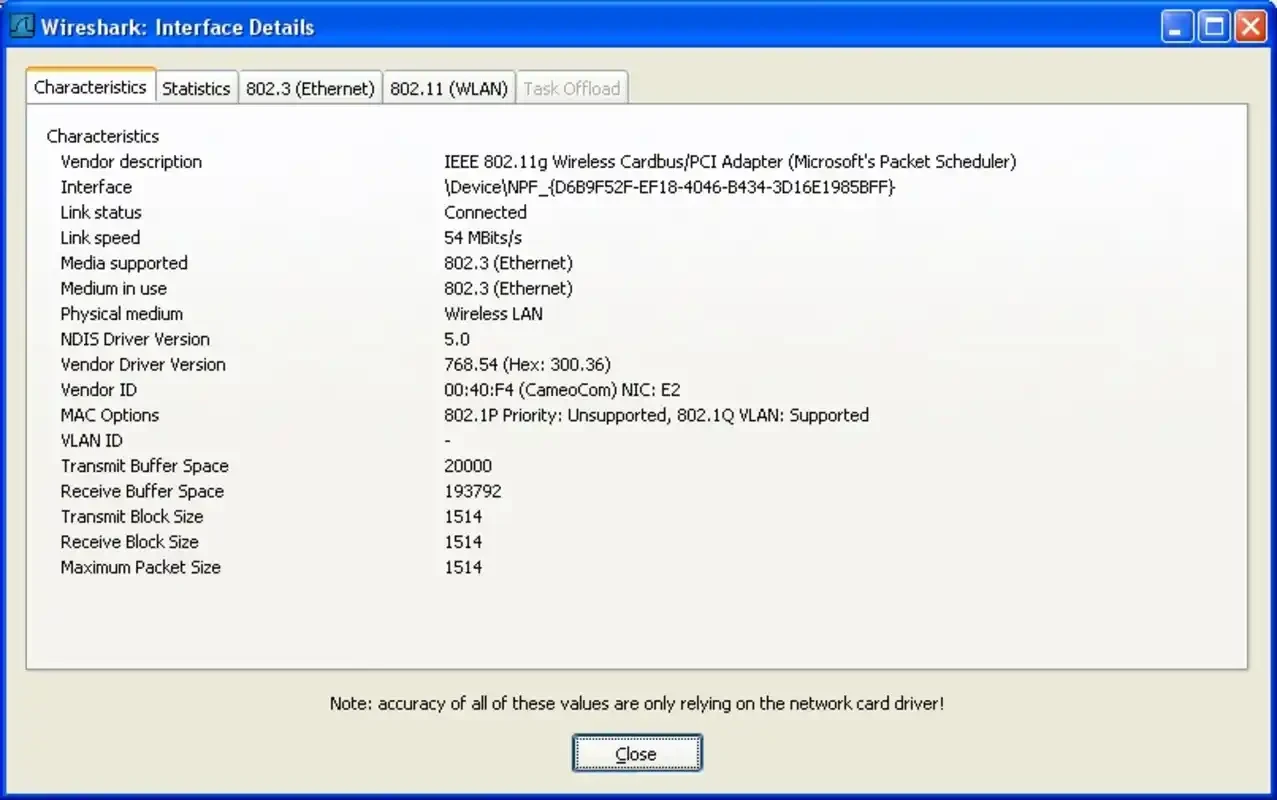
Wireshark 4.6.8 is a free and open-source network traffic analyzer for Windows, created by Gerald Combs and developed by the Wireshark team. It captures the packets travelling through your network connection and lets you inspect them in detail, and you can download Wireshark from the official website.
Wireshark began in 1998 and has become a go-to packet analyzer for network administrators, security professionals, developers and students. It records the traffic that passes through a network interface and decodes it into readable form, so you can see what an application actually sends, why a connection is slow or where a handshake fails. Because it shows exactly what happens on the wire, it is equally useful for troubleshooting a printer that will not respond and for learning how the internet works in a networking course. It is also classed as penetration testing software, since security testers use it to analyse traffic during authorised assessments. The same power calls for responsibility: capturing other people's traffic without permission can be illegal, so use Wireshark on networks you own or are authorised to examine.
| Item | Details |
|---|---|
| Version | 4.6.8 (stable, August 2026) |
| Development line | 4.7.3 |
| Legacy line | 4.4.17 |
| Creator | Gerald Combs |
| Licence | GNU General Public License, version 2.0 or later |
| Systems | Windows, macOS, Linux, BSD |
| Size | about 94.35 MB according to catalogue data |
Wireshark supports Windows versions that are still within Microsoft's extended support, which currently includes Windows 11, 10, Server 2022, Server 2019 and Server 2016. It needs the Universal C Runtime, which comes with Windows 10. The resources required depend on the size of the capture: a busy network can produce hundreds of megabytes of data in a short time, so a fast processor and plenty of memory and disk space help, according to the Wireshark user guide.
Release notes are published at wireshark.org, and the source code is on GitLab.
Our listings include Fiddler Classic for web traffic debugging, Advanced IP Scanner for finding devices on a network, and WinMTR for tracing connection problems.
SHAREit is a free Windows app from the SHAREit Team for moving photos, videos and documents between a PC and a phone. The current version is 5.1.0.7.

Zapya for Windows is a free file transfer app from DewMobile for moving files between a PC and phones over a local wireless connection.

Easy Connection to Screen is Samsung's Windows app for showing a PC's screen on a compatible Samsung TV over a wireless connection.

Internet Download Manager (IDM) is a shareware download manager for Windows from Tonec that accelerates, resumes and schedules downloads.

uTorrent (μTorrent) is a small BitTorrent client for Windows from Rainberry (BitTorrent Inc) for downloading and sharing files over torrents.

AnyDesk is a remote desktop application for connecting to and controlling another computer over the internet, from a small Windows program.

ShareMe is Xiaomi's free app for sending files between devices without a cable; on Windows the Android app runs only inside an emulator.

Xender is a free file sharing app from the Xender File Sharing Team for sending files between phones and computers over a local connection.